
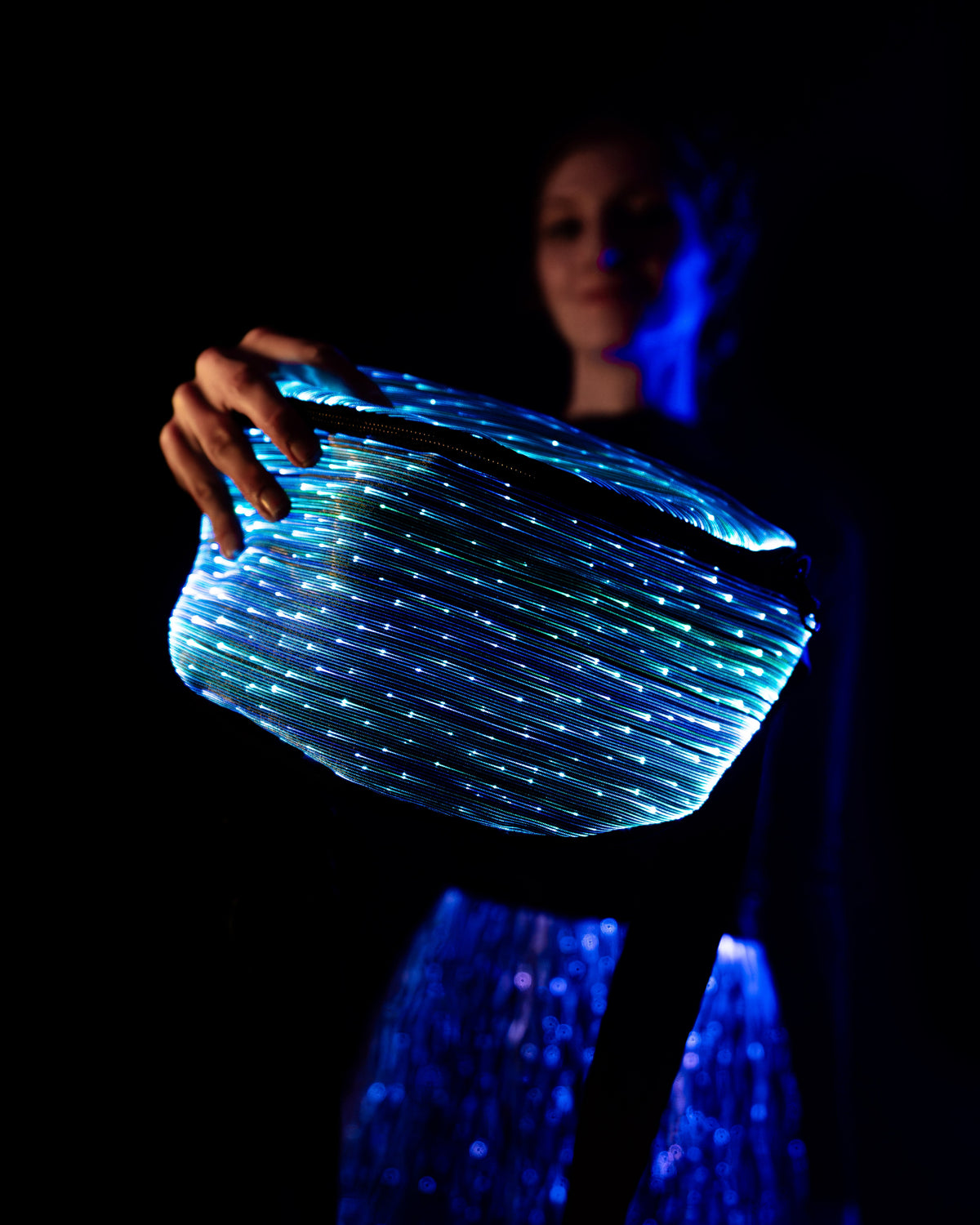
Wear the hello. Your NEBULITE LED fanny pack can come along for a festival, a club night or an evening out. Start by choosing a size for what you carry, then use the instructions for your pack’s controller.
Slim or Medium?
The Fanny Pack 4 comes in two sizes. Hold the measurements (height × width × depth) against a bag you already carry.
Slim (S): 15 × 22 × 7 cm
The compact one. Choose Classic Slim or Wavy Slim.
Medium (M): 18 × 28 × 10 cm
Taller and wider, for more to carry. Choose Classic Medium or Wavy Medium.
Make sure everything you take fits, including the power source for your pack. Classic and Wavy name the fabric, not the controller inside. Each link opens that exact variant with its current price.
Classic or Wavy?
The fabric changes the pattern you see when the lights are on:
- Classic: fine, straight optical fibres form a woven pattern.
- Wavy: the optical fibres follow a wave-shaped pattern.
These original product photos show both fabrics lit up. Choose the pattern you prefer, then select Slim or Medium using the measurements above.


Try your pack before heading out
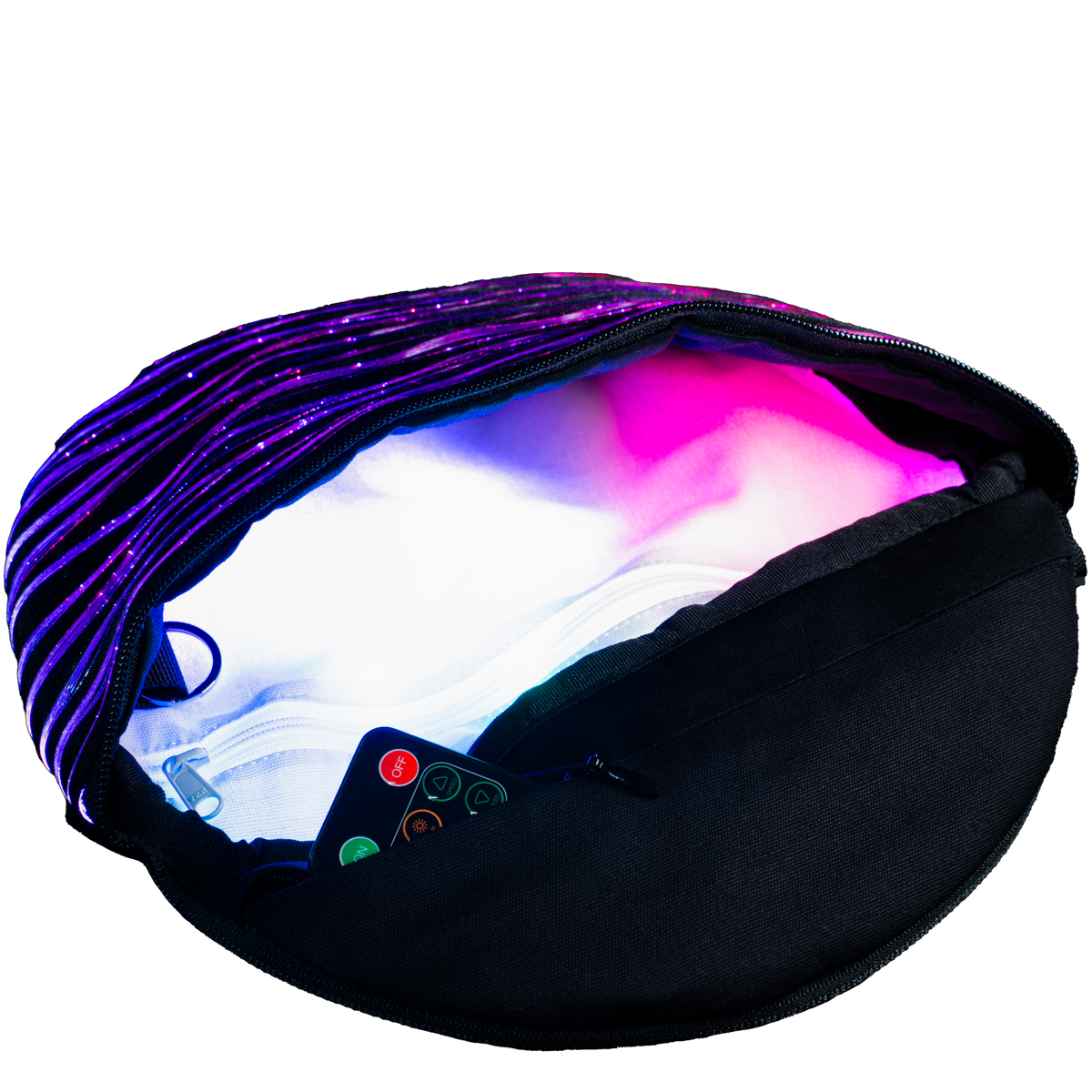
- Charge and switch on the power bank or power source specified in your included instructions.
- Connect it with the original cable for that model. Check that both ends are fully seated.
- Follow the included controller instructions to switch on the lights and check brightness.
- Connect the NEBULITE | HELIO app. The printed basic5 link in your Fanny Pack 4 instructions takes you to the Basic Controller 5 guide.
Different NEBULITE controller generations use different connections and apps. Choose the instructions from the controller label and supplied manual rather than from a similar-looking product. The switch-on checklist also covers power and cable checks.
Cleaning and care
Follow the care label and instructions supplied with your exact pack before cleaning. Disconnect power and follow the specified electronics-removal steps. Keep batteries, connectors and electronics dry. If the instructions are missing, contact us before washing.
Need help with your existing pack?
Email support@nebulite.berlin with your order number and a clear controller-label photo if you have not already sent them. Tell us which original cable and power source you are using. We can then identify the right instructions. If you have already contacted support, we will use your existing messages and photos.

Leave a comment
This site is protected by hCaptcha and the hCaptcha Privacy Policy and Terms of Service apply.